
Search

Saved articles

You have not yet added any article to your bookmarks!

Browse articles
Newsletter image

Subscribe to the Newsletter

Join 10k+ people to get notified about new posts, news and tips.

Do not worry we don't spam!

GDPR Compliance

We use cookies to ensure you get the best experience on our website. By continuing to use our site, you accept our use of cookies, Privacy Policy, and Terms of Service.

Equipment and Software for Podcasting

Equipment:

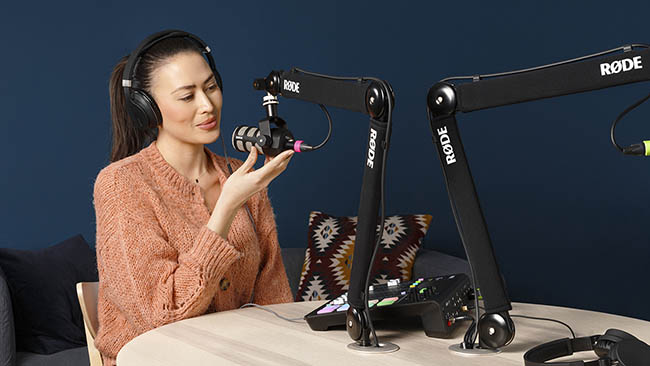
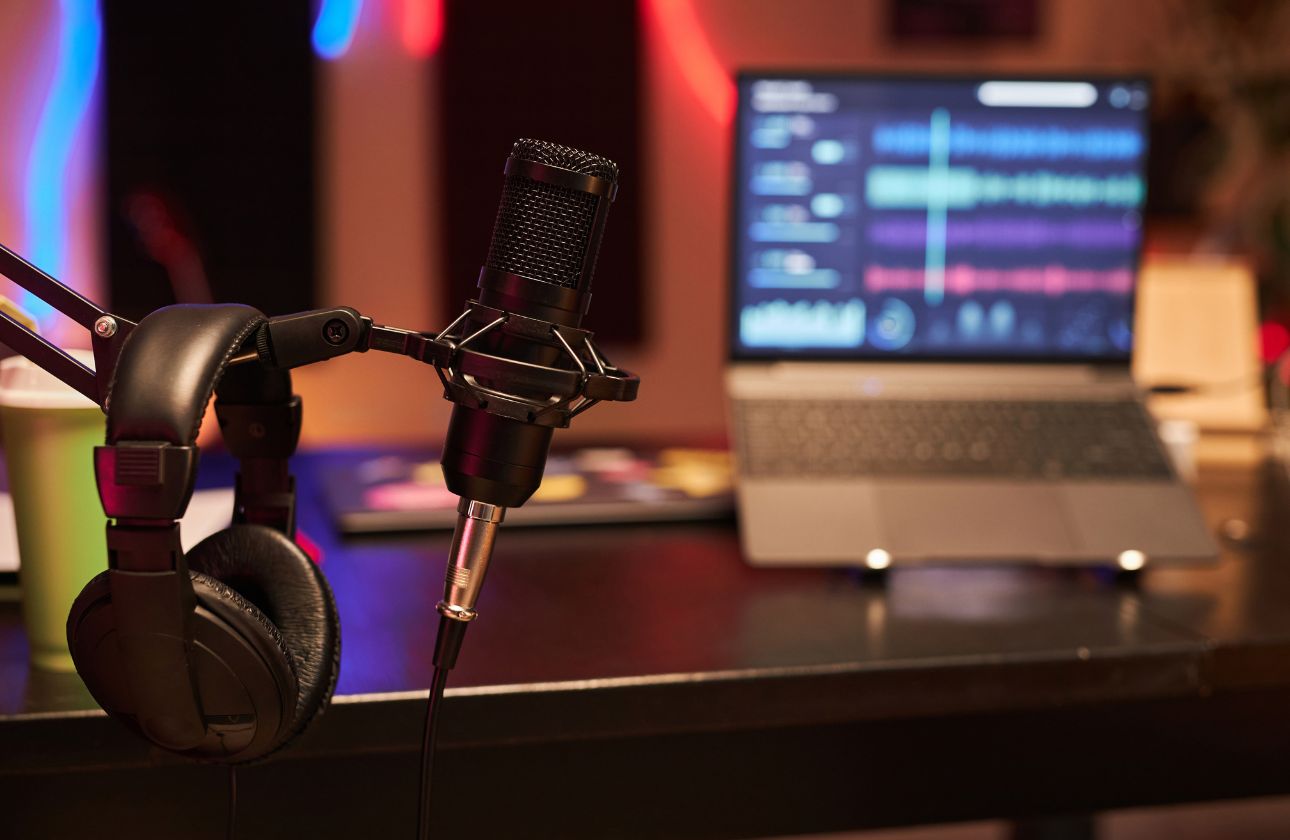
  1. Microphone: Invest in a good-quality microphone for clear audio. Popular options include the Shure SM7B, Audio-Technica AT2020, or the Rode PodMic.

  2. Microphone Stand or Boom Arm: Use a stand or boom arm to position your microphone at the right height and distance from your mouth.

  3. Pop Filter or Windscreen: This helps reduce plosive sounds (popping) when speaking into the microphone.

  4. Shock Mount: A shock mount minimizes vibrations and handling noise, improving audio quality.

  5. Headphones: Closed-back headphones like the Audio-Technica ATH-M50x or the Sony MDR-7506 are ideal for monitoring your audio while recording and editing.

  6. Audio Interface: A quality audio interface converts your microphone's analog signal into a digital format for your computer. Consider the Focusrite Scarlett 2i2 or the PreSonus AudioBox.

  7. XLR Cables: These cables connect your microphone to the audio interface. Ensure they are of good quality to prevent interference.

  8. Acoustic Treatment: Use foam panels, bass traps, or diffusers to control room acoustics and reduce echo and background noise.

  9. Mixer (optional): A mixer allows you to control multiple audio sources and add effects. Consider the Behringer Xenyx Q802USB or the Zoom LiveTrak L-8.

  10. Portable Recorder (optional): For on-the-go recording, a portable recorder like the Zoom H5 or the Tascam DR-40X can be handy.

Software:

  1. Recording Software: Choose a digital audio workstation (DAW) like Audacity (free), Adobe Audition, GarageBand (for Mac users), or Reaper to record your podcast.

  2. Editing Software: You'll need an editing software to fine-tune your podcast. Options include Adobe Audition, Audacity, and Hindenburg Journalist.

  3. Audio Plugins: Consider using audio plugins for noise reduction, equalization, compression, and other effects. Popular choices include iZotope RX, Waves plugins, and FabFilter Pro-Q.

  4. Podcast Hosting Platform: Use a podcast hosting service like Libsyn, Podbean, or Anchor to store and distribute your podcast episodes.

  5. Remote Recording Tools: If you have remote co-hosts or guests, consider platforms like Zencastr or SquadCast for high-quality remote recording.

  6. Music and Sound Effects Libraries: Access royalty-free music and sound effects for intros, outros, and transitions. Websites like Epidemic Sound and Audiojungle offer a wide selection.

  7. Transcription Services: Services like Rev or Descript can transcribe your podcast episodes, making them accessible and searchable.

  8. ID3 Tag Editor: An ID3 tag editor allows you to add metadata (title, artist, episode number, etc.) to your audio files before uploading them to your hosting platform.

  9. Social Media Scheduling Tools: Use social media scheduling tools like Buffer or Hootsuite to promote your podcast episodes on various platforms.

  10. Website and Podcast Player: Consider building a podcast website with a podcast player that integrates with your hosting platform. You can use platforms like WordPress with podcast-specific themes or services like Podpage.

Remember to invest in quality equipment based on your budget and needs. The right combination of hardware and software will help you create a professional-sounding podcast that attracts and retains listeners.

Prev Article
Best Android Apps for Fitness and Wellness
Next Article
Collaborative Short Stories

Related to this topic:

Comments (0)

Leave a Comment